Showing posts with label Sugarcube. Show all posts

Sunday, March 24, 2024

Robust Action: A Thursday in Space Retrospective

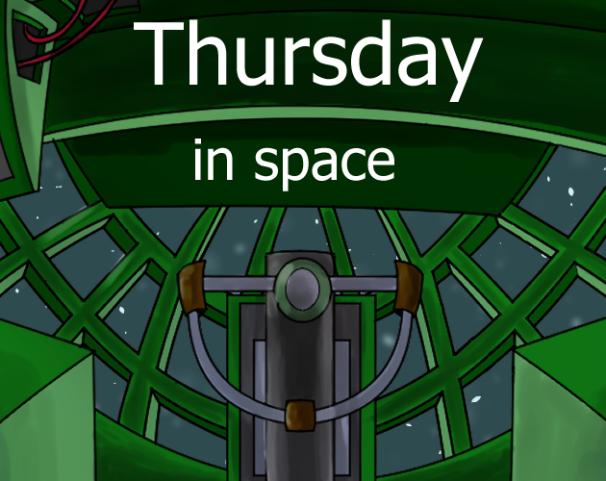
Cover art for the game "Thursday in space"

“Single actions can be moves in many games at once.”

That’s John Padgett and Christopher Ansell describing robust action, the mechanism that the Medici family used to retain power in 15th century Venice. (Xavier Marquez also writes that robust action was how Francisco Franco managed adversarial factions in the 20th century.) 

TL,DR: When there’s more than one reason to do something, it’s more likely to get done. That’s true whether you’re manipulating political rivals or giving time and attention to the ideas in your own unruly brain. 

It’s why Donald and I participated in the 2023 Neo-Twiny Jam.

Why we did it

Our goals were: 

  • Publish a game in 2023
  • Develop mechanics that could be implemented elsewhere
  • Apply novel constraints to inspire creativity
  • Reach a larger audience through the game jam community

Making a public commitment to the game jam held us accountable. Participation was also linked with donations to an anti-hate group, which was a nice bonus.

How we did it

The jam’s 500-word limit was around the length of an in-depth blog post. That gave us room for an introduction, a conclusion, and 3 to 5 decision points that could be 70 to 100 words each, depending on how many choices we provided. 

We wanted the experience to feel like being an Amazon driver in space, and Donald’s artwork did a lot of the heavy lifting to reduce wordcount. He spent time googling images of tug boat galleys for reference, working to establish the cramped environment of the ship along with its worn and threadbare equipment

This was the first time our projects used Clip Studio Paint, and the short time frame forced Donald to learn the program quickly. The claustrophobic reference images started getting to him, but the end result constrains the player within a cramped world. 
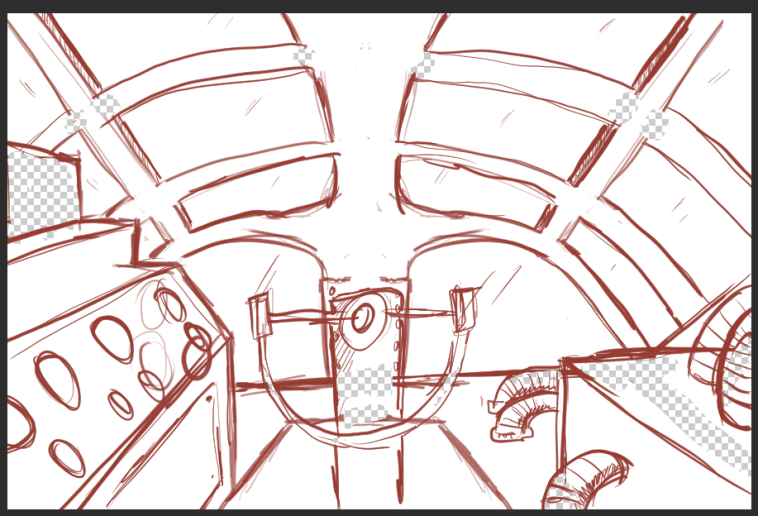
Initial sketch of a ship interior from the game "Thursday in space"

Following Emily Short’s recommendation for writing the through line first, we put together a linear story that had 5 choices. Then we broke up the story to present the first 4 choices in any order — the Good Place approach of “taking something great and ruining it a little so you can have more of it” — which made each playthrough a bit different. 

We used one MS Word document to track the wordcount in our display text, and a separate Word document held design notes and lists of things to do. As we got closer to the game’s release date, we did more coordinating via Discord messages. Not very sophisticated, but everyone has their own approach.
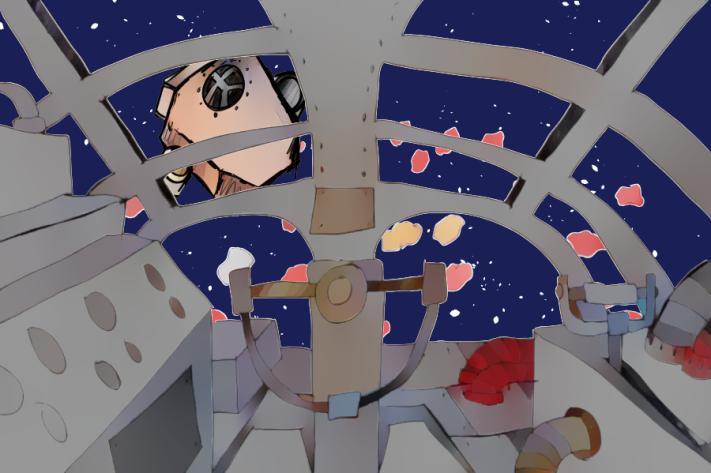
More detailed, colored imagery from "Thursday in space"

Thursday in Space involved more CSS work than our previous games. The sidebar uses Terminal with Scan Lines code created by Patrick Himes, and custom work was done for the borders and rounded edges on the buttons at the end of every passage. Code randomly set each button’s destination passage by using pluck to pull from an array of the unread passages. When every passage was removed, the button sent players to the final choice. 

There were 24 different ways to get through the story, which meant that we had to rein in combinatorial explosion by making some choices less meaningful than others. The random order also made it more difficult to test things properly. (Some players have reported that the stowaway doesn’t behave consistently, which is a bug I haven’t been able to fix.)

How it turned out
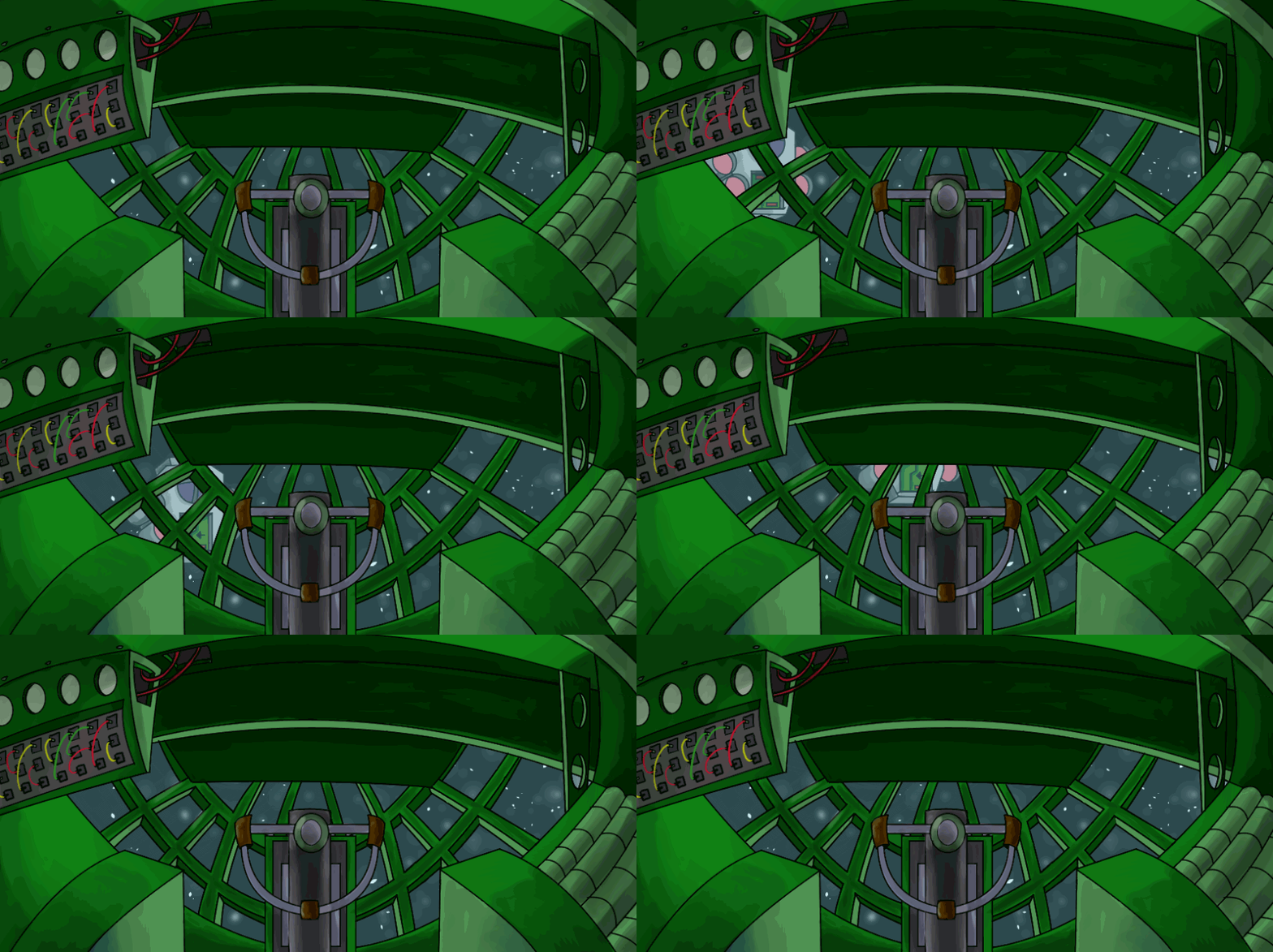
A final animated .GIF from "Thursday in space"

We accomplished a decent number of our goals.

  • Publish a game in 2023

A clear win, in line with the eternally relevant gamedev advice of making and releasing lots of small games to develop your skills. 

  • Develop mechanics that could be implemented elsewhere

Another win, using CodePen and experimenting with new ways for storylets to work together.

  • Apply novel constraints to inspire creativity

On the one hand, the Neo-Twiny jam gave us the focus that we needed to accomplish the first two goals. On the other hand, some of the choices in this story felt less meaningful than others, which the audience noticed. 

  • Reach a larger audience through the game jam community

This didn’t go so well. Sorting the jam entries by popularity puts Thursday in Space in the bottom 20% of entrants. 

Consolation prize: We realized that we could re-use assets from Project Arcmor, our game from 2021, and then we linked to it as an easter egg inside Thursday, in space

Saturday, November 18, 2023

Learn to Test


I used to think it was silly when shows had futuristic computers narrate what they were doing. 

You know, those little stream-of-consciousness declarations, like “scanning the area for life forms” or “initiating self-destruct sequence”? They seemed like cheap writing trying show the audience that things were happening.

Now that I have more programming experience, it makes more sense.


My early coding efforts — in Twine, so we aren’t even talking about something complicated — were nightmares of frustration filled with obscure error messages and opaque syntax warnings. Early versions of the SugarCube documentation didn’t make a lot of sense to me, and it was slow going trying to sift through Q&A pages for answers.1

It was easier to loiter in the Interactive Fiction Community Forum, where I found Linus Åkesson2 sharing a useful metaphor about building bridges. It's okay to start with something feeble, because you can build on it through a gradual process of refinement and evolution. 

As I beat various projects into shape — leaning on the bridge metaphor and applying McDonald’s Theory — I learned the four possible states in which code exists:


My coding efforts are still full of errors and janky syntax, but now it’s easier to find and fix the problems. If my projects need less development time, it’s not because I’m faster at coding. It’s because I’m faster at identifying where things failed. I have become better at testing. 

These improvements came from using more comments in the code and indicators that explain what's going on. When it's easier to see where things are failing, it's easier to identify where you should fix them. 

In that context, it makes more sense to have the computer announce that it’s scanning for lifeforms or initiating a self-destruct sequence.

1. I should note that Twinery.org is much more user friendly in the present day.
2. You may recognize his name from the “8-bit Baroque Metal” performance that recently took certain corners of the internet by storm.3
3. That wasn’t an intentional pun, but it works. SORRY I’M NOT SORRY.


Friday, January 25, 2019

Using Twine to Keep Score with Three Teams

The problem One of the problems with trying to learn programming outside of a formal computer science class is the amount of time I spend re-inventing wheels. 

This issue, which I spent two days struggling with, has probably been solved by other people. I bet they published solutions in academic journals, but they ended up with abstract names like graph traversal or Byzantine fault tolerance

I'm just trying to keep score when there are three different teams. The player can assign points to any team, in any order they choose. 

Let's call the teams Red, Yellow, and Blue. The world state should always indicate which team has the most points. 

A color wheel is going to be helpful here: 


The world state can change whenever a new point is awarded to one of the three teams. If the Red team is winning, then the world is red. If the Blue team is in the lead, then the world is blue. This helps because I can use green, purple, and orange to show when two teams are tied for points.

It seems like a network containing 7 nodes (six colors + neutral for a three-way tie), with each node connected to 3 other nodes. I need to write Twine code that 1) identifies which node was the previous world state, and 2) which node should be the new world state.

Stumbling towards an answer on my own, it looks like this:

When a RED point is added
If state is red, do nothing.
If state is orange or purple or neutral, move to red
If state is yellow, and $redPoints = $yellowPoints, move to orange
If state is blue, and $redPoints = $bluePoints, move to purple
If state is green, and $redPoints = $bluePoints, move to neutral
When a YELLOW point is added
If state is yellow, do nothing.
If state is orange or green or neutral, move to yellow
If state is blue, and $yellowPoints = $bluePoints, move to green
If state is red, and $yellowPoints = $redPoints, move to orange
If state is purple, and $yellowPoints = $redPoints, move to neutral
When a BLUE point is added
If state is blue, do nothing.
If state is purple or green or neutral, move to blue
If state is red, and $bluePoints = $redPoints, move to purple
if state is yellow, and $bluePoints = $yellowPoints, move to green
if state is orange, and $bluePoints = $yellowPoints, move to neutral

Writing out code in SugarCube, this part goes in the StoryCaption passage:
Ascore: <<print $aScore>>
Bscore: <<print $bScore>>
Cscore: <<print $cScore>>

<<if $worldState == "A">>Red
<<elseif $worldState == "B">>Blue
<<elseif $worldState == "C">>Yellow
<<elseif $worldState == "AB">>Purple
<<elseif $worldState == "CA">>Orange
<<elseif $worldState == "BC">>Green
<<else>>neutral<</if>>
It lets you see how many points have been assigned to each faction, and it shows the current world state. (I simplified the teams to be A, B, and C in the code.)

This part goes in the passage where Red gains a point:

<<set $aScore += 1>>
<<if $worldState == "AB" or $worldState == "CA" or $worldState == "N" >><<set $worldState = "A">>
<<elseif $worldState == "B" and $aScore == $bScore>><<set $worldState = "AB">>
<<elseif $worldState == "C" and $aScore == $cScore>><<set $worldState = "CA">>
<<elseif $worldState == "BC" and $aScore == $bScore>><<set $worldState = "N">>
<</if>>
This part goes in the passage where Blue gains a point:

<<set $bScore += 1>>
<<if $worldState == "AB" or $worldState == "BC" or $worldState == "N" >><<set $worldState = "B">>
<<elseif $worldState == "C" and $bScore == $cScore>><<set $worldState = "BC">>
<<elseif $worldState == "A" and $bScore == $aScore>><<set $worldState = "AB">>
<<elseif $worldState == "CA" and $bScore == $aScore>><<set $worldState = "N">>
<</if>>
And this part goes in the passage where Yellow gains a point:

<<set $cScore += 1>>
<<if $worldState == "CA" or $worldState == "BC" or $worldState == "N" >><<set $worldState = "C">>
<<elseif $worldState == "A" and $cScore == $aScore>><<set $worldState = "CA">>
<<elseif $worldState == "B" and $cScore == $bScore>><<set $worldState = "BC">>
<<elseif $worldState == "AB" and $cScore == $aScore>><<set $worldState = "N">>
<</if>>
I should probably leave this to the professionals, but I got this code to work after a lot of trial and error.

Image credit: By Jackelynelc - Own work, CC BY-SA 4.0, Link